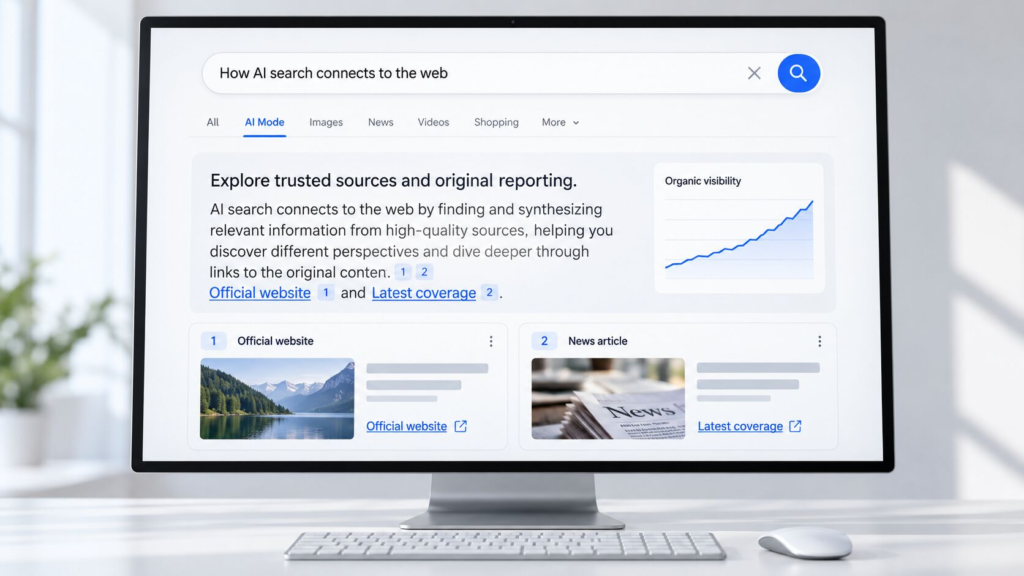
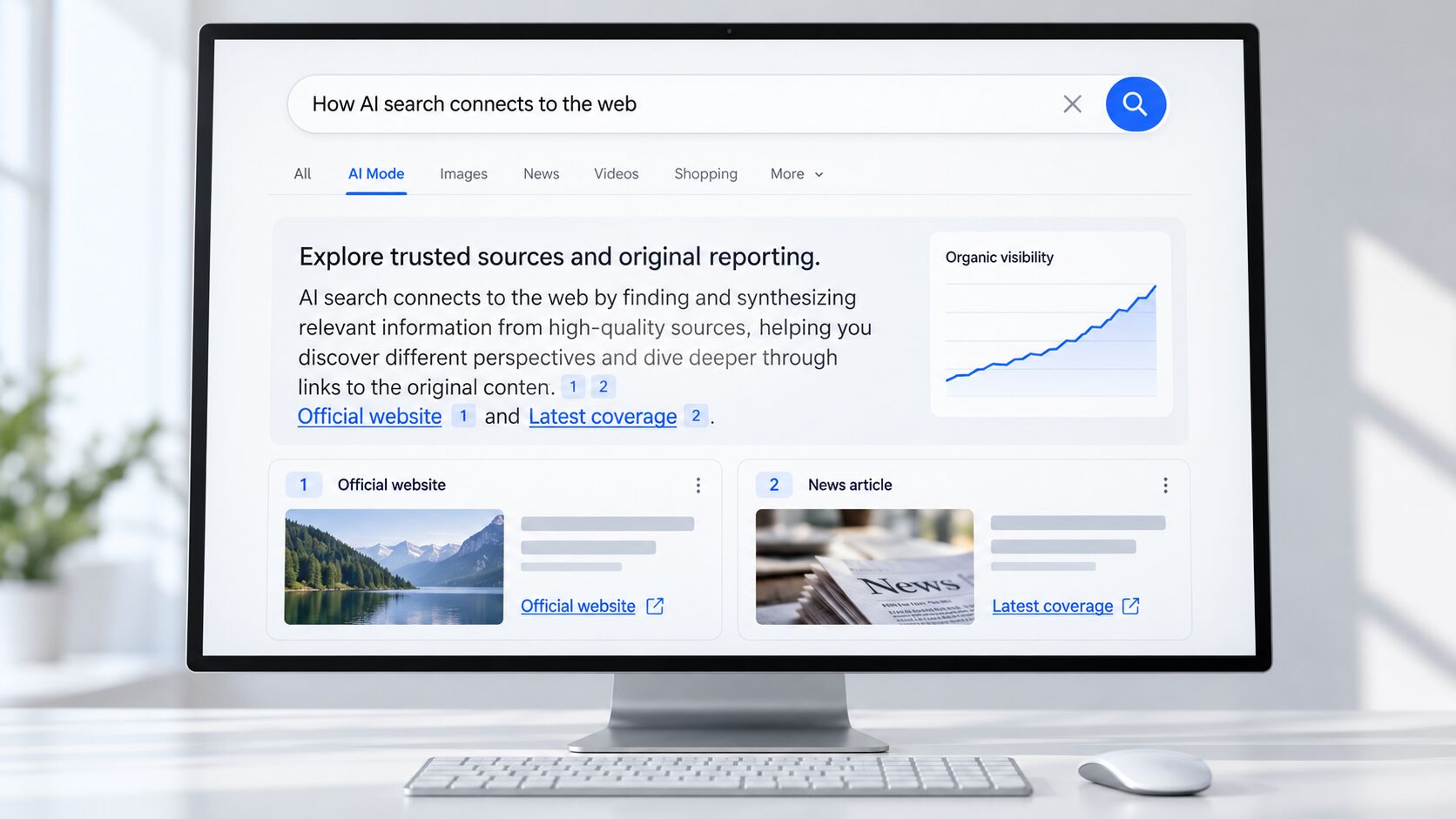
On October 15, 2026, Google announced five changes to how links appear in AI Mode and AI Overviews. Inline links are moving higher in AI-generated answers. An “official sites” section is being tested. News carousels are reaching more locations and languages. Links at the end of some answers are getting thumbnails. And AI Mode has started testing clickable creator names on video results.
For SEO professionals and publishers, the question under all five is simple: does a more visible link mean more visits? Google’s announcement describes where links will appear. It does not say how often people will click them. This article separates what Google confirmed from what it is still testing, looks at the best independent click research available, and shows how to check what Google AI Mode links are doing for your own site.
What Did Google Announce About AI Mode and AI Overviews?
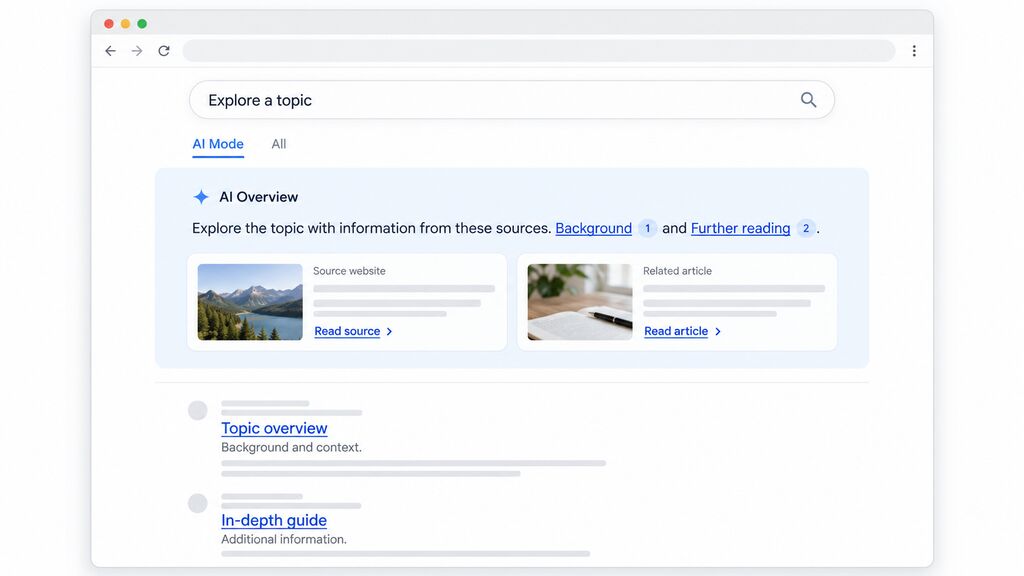
Hema Budaraju, Google’s VP of Product Management, published “More ways to connect with the web from Search” on October 15, 2026. The post says Google is updating AI Mode and AI Overviews with clearer inline links, context about sources and more visible timely articles.
Read closely, the five items carry different status labels. One is launching, one is a test, one is “starting to roll out,” one has no status at all, and one is a test that began the same week. Almost none names a country, a language or a date. PPC Land’s analysis makes the same observation, and notes this is Google’s second link-focused update this year, after one in May.
Five Changes Google Announced for AI Search Links
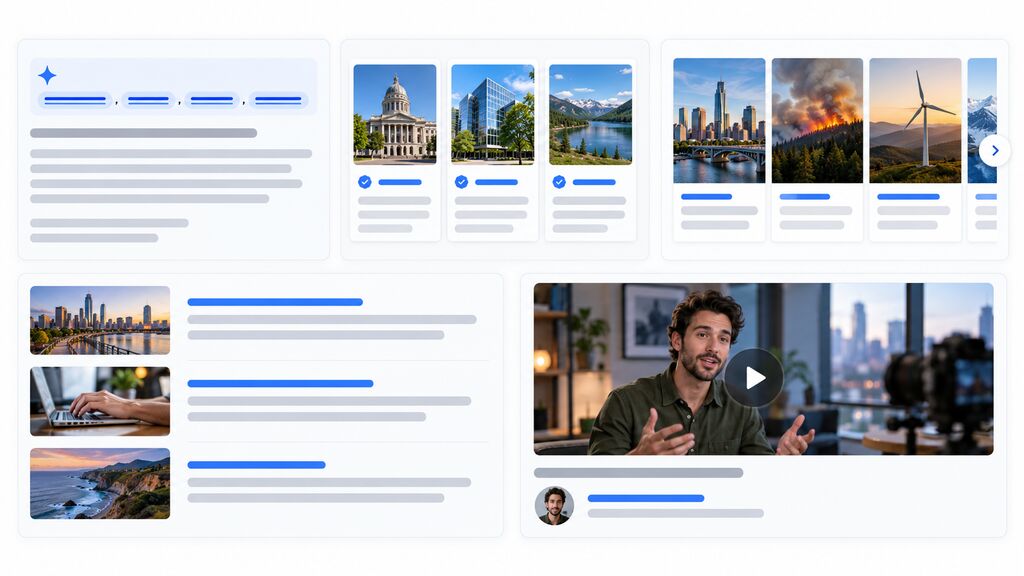
Inline Links Are Appearing Higher in AI Answers
Status: launching. Google defines inline links as links embedded in words or phrases within an AI response. It says it has made “continued and substantial increases” to their presence, and that it is rolling out updates to show them higher up, more often.
There are no numbers behind this: not the share of responses that carry inline links, not how much higher they now sit, not which markets see them. For users, a source cited near the top of an answer is easier to spot. For publishers, being cited early may matter more than being cited at all, but that is our inference, not something Google has said.
An Experimental Section Highlights Official Websites
Status: test. Google says it will test a dedicated section at the top of a response that surfaces one or two official links for a task, with a note on why each link is useful. It presents this as an extension of how Search already handles people looking for a specific site.
The post does not explain how Google decides which sites count as official, where the test will run, or when it starts. If it expands, task-based queries, such as filing a form or requesting a refund, could send more attention to the official destination, and sites that explain those processes might see less. Treat that as a scenario to watch, not a forecast.
News Carousels Are Becoming Wider and More Available
Status: starting to roll out. Google is extending its prominent carousels for timely articles in AI Search features to additional locations and languages globally. These carousels also highlight a person’s Preferred Sources.
Google does not list which locations or languages are included, so a publisher cannot tell from the post whether its own audience will see the change. News and timely-content publishers are the obvious audience; most other sites will not be directly affected.
Links at the End of AI Answers Can Include Thumbnails
Status: not stated. Google says links shown at the end of some AI responses are becoming more engaging and prominent, with image thumbnails and a more clickable design.
A thumbnail makes a link harder to miss. It does not guarantee a click, and Google has published no click data for the new design. “Some AI responses” is also unquantified, so assume the effect will vary by query.
Clickable Creator Names Are Being Tested in AI Mode Video Results
Status: test, started the week of the announcement. Google says it has begun testing clickable creator and publisher names on video results in AI Mode, linking to their Search profiles.
The scope is narrow: AI Mode only, video results only, not AI Overviews. A Search profile is a page hosted by Google, so the click lands on Google before it reaches a creator’s own site or channel. The post does not say where the test runs, who is eligible, or whether profiles send more people onward. It simply points eligible creators and publishers to Google’s Search profiles documentation.
What Does Google’s Preferred Sources Update Mean?
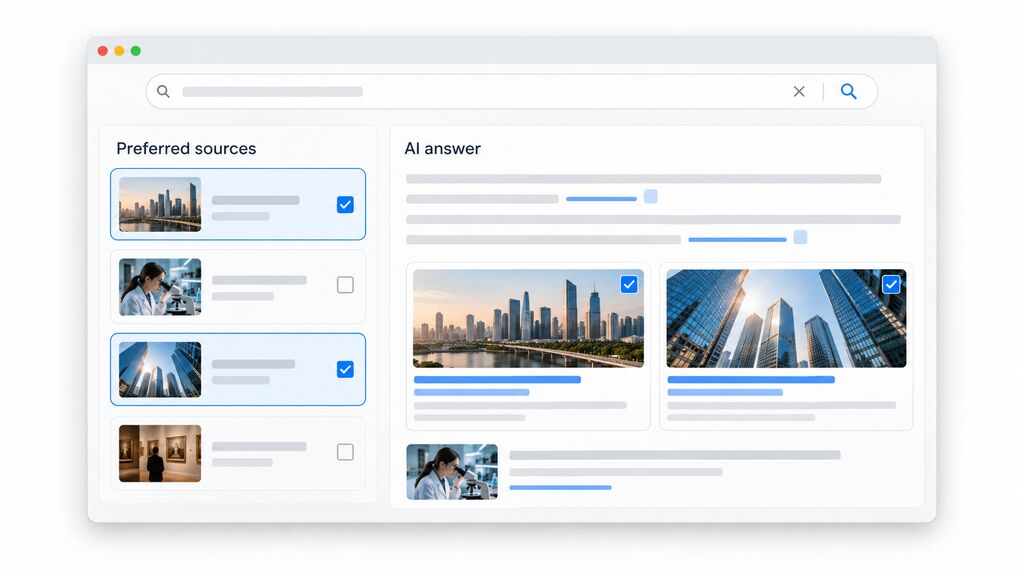
Google opens the post with a growth figure: the number of people using Preferred Sources has grown more than sevenfold since the start of the year. Preferred Sources lets people choose publications they trust; those sources can then be highlighted in places such as Top Stories and, for those users, in AI Mode and AI Overviews.
The figure tells you that more people use the feature than in January. It does not tell you how many that is. Google gave no baseline, no definition of “use,” and no link to website traffic. PPC Land reports that Google’s earlier milestones counted sources selected rather than people, so the numbers are not directly comparable.
For publishers, Google’s Preferred Sources documentation says only domain-level and subdomain-level sites are eligible, and that appearing in AI Mode and AI Overviews requires your site to be included in Search generative AI features in Search Console. An “add as preferred source” button or link is optional.
How Could These Changes Affect SEO and Organic Website Traffic?
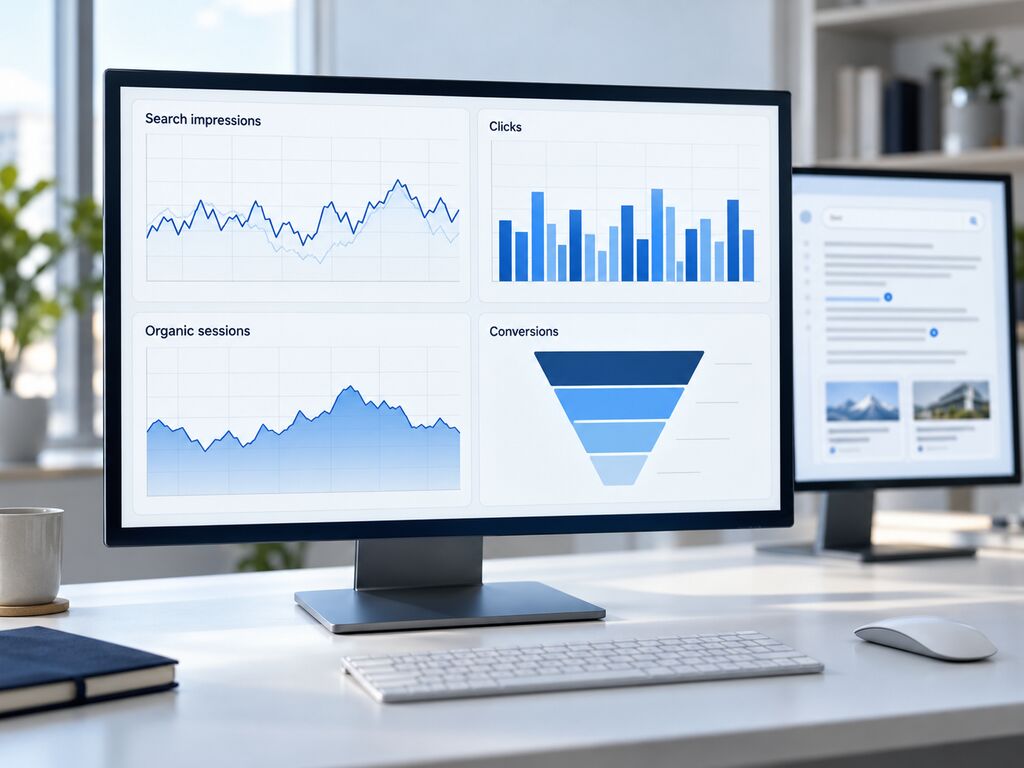
Four measures are easy to blur: impressions (someone saw a link), clicks (someone followed it), visits (a session began on your site) and conversions (that visit did something valuable). Google’s announcement acts on the first. A more prominent link is a chance to earn more of the second, but nothing in the post shows that it will.
Google’s own guidance on AI features says there are no additional requirements to appear in AI Overviews or AI Mode, and that standard SEO fundamentals still apply. There is no special markup to add in response to this announcement.
Effects will also differ by site, query and content type. In the study discussed below, AI Overviews were triggered far more often on informational queries than on navigational or transactional ones, so a how-to publisher and a local service business could see very different results. Zero-click behavior is not new either; we covered the broader trend in our look at zero-click results.
Until Google or independent researchers publish click data on these specific changes, the traffic effect is unknown.
What Does the Research Say About AI Overviews and Organic Clicks?
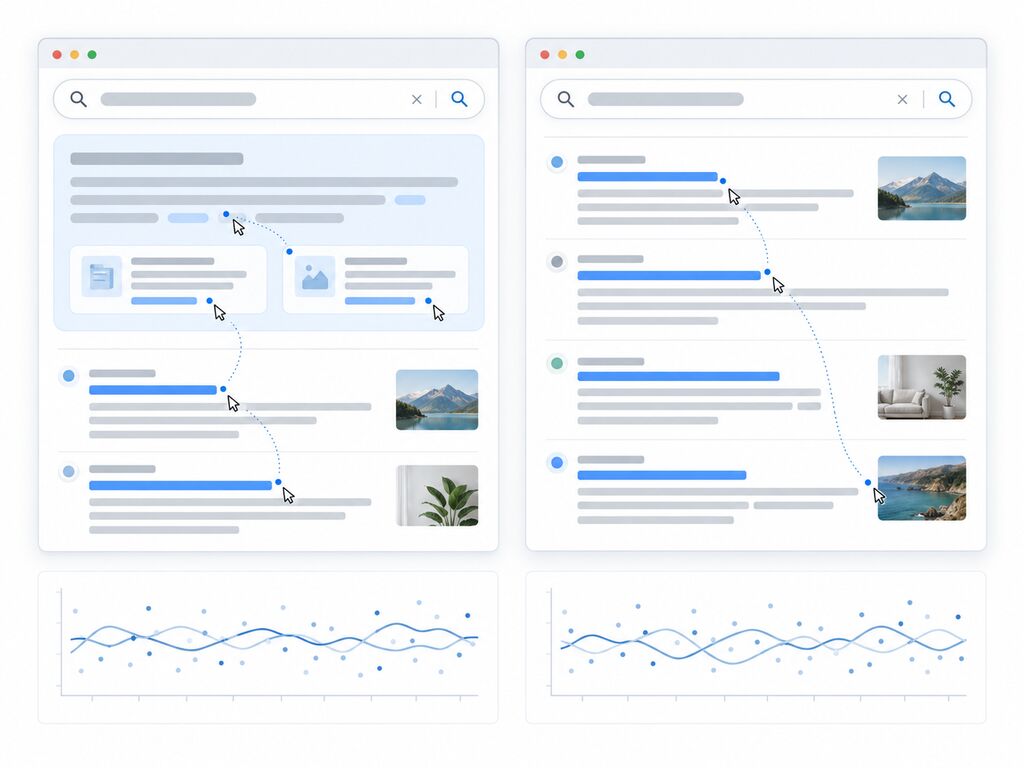
The best-known figure comes from a working paper by Saharsh Agarwal of the Indian School of Business and Ananya Sen of Carnegie Mellon University. The authors built a Chrome extension that hid AI Overviews for some participants while others saw them normally, with people randomly assigned. In the revised version, covered by Search Engine Journal, showing an AI Overview cut outbound organic clicks by 39.8%. PPC Land’s write-up (linked above) adds that the experiment involved 1,065 US participants, that zero-click searches rose by 34.5%, and that clicks per search rose from about 0.37 to 0.62 when overviews were hidden.
Two other findings matter. AI Overviews were triggered on roughly 41% of queries, and the click losses were concentrated in informational searches. And the extra clicks that appeared when overviews were hidden did not look lower in quality on bounce, return-to-results or time-on-site measures. Google’s documentation, by contrast, says clicks from pages with AI Overviews are higher quality.
The limits matter just as much:
- It is a working paper and has not completed peer review.
- It covers a specific sample of US participants using a Chrome extension, observed in early 2026.
- It measured AI Overviews. It did not test the October link changes, which came afterward, so it cannot say whether higher inline links soften the effect.
- A result for one sample is not a result for every website, query or AI feature. An earlier draft reported 38%, so the number has also moved between versions.
Taken together, this is strong evidence that AI Overviews can reduce clicks in at least one setting, and no public evidence yet on whether more prominent links change that.
How to Measure Your Website’s Performance From Google AI Mode Links

Google does not publish a standalone click report for AI Mode. Here is what is available.
- Start with the Performance report. Google says sites appearing in AI features are included in overall Search Console traffic, reported under the “Web” search type. According to Search Console Help, a click on an external link in an AI Overview or AI Mode counts as a click, an AI Overview occupies a single position that all its links share, and a follow-up question in AI Mode counts as a new query.
- Check the generative AI performance report. Google launched dedicated reports on June 3, 2026, giving views of your impressions inside AI Overviews and AI Mode. They are impression views, so clicks still have to come from the regular Performance report.
- Compare like with like. Treat October 15, 2026 as a reference point. Compare windows of equal length with the same mix of weekdays, and check the same period last year when seasonality matters. Break results down by page and query type. Rising impressions with flat or falling clicks is the pattern worth investigating.
- Add your analytics data. Look at organic sessions, engagement and conversions for the landing pages that appear most in AI reports. Because AI clicks sit inside overall web clicks in what Google documents, you can usually show correlation, but rarely proof that a specific AI feature drove a specific visit.
- Keep a change log. Google says it will keep refining these experiences, and this is its second link update this year. Note dates, site changes and Google announcements beside your charts so you can explain movement later.
What Should SEO Professionals and Publishers Do Next?
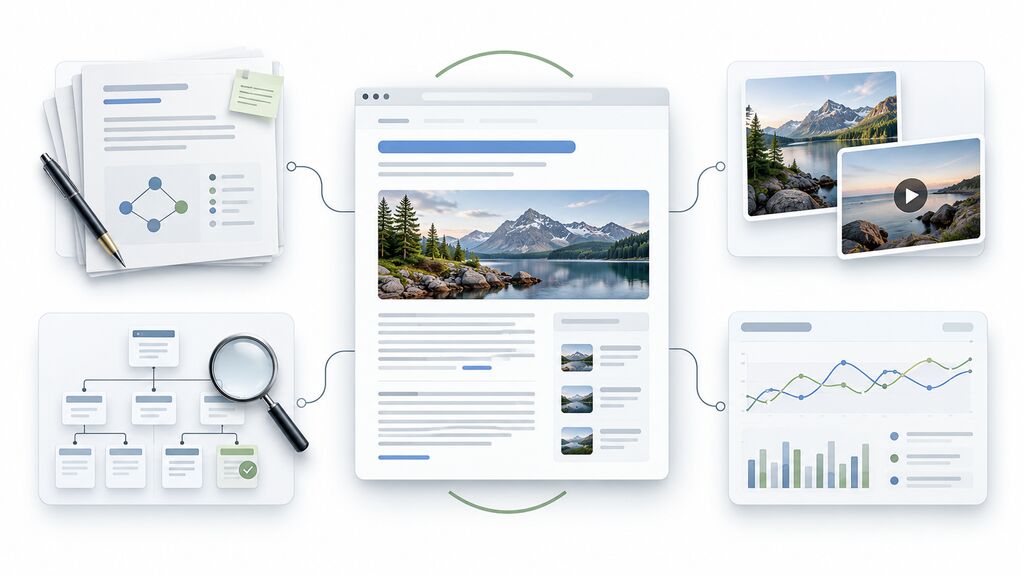
- Keep publishing useful, accurate, original content. Google’s guidance is that nothing special is required for AI features beyond the basics. Pages built around search intent and topical depth, as we explain in our guide to ranking without backlinks, are a sensible place to put effort.
- Make sure each page is eligible. Google says a page must be indexed and eligible to appear with a snippet in Search to be shown as a supporting link. If you want a refresher on how Google crawls, indexes and ranks pages, start there. Check robots.txt and CDN rules, and keep important content in text.
- Support the text. Google suggests backing content with good images and video where relevant, which also matters if link thumbnails become more common. Our piece on structuring pages for generative search covers the B2B manufacturing angle.
- Monitor before reacting. Review Search Console and analytics regularly for several weeks before changing strategy.
- Check Preferred Sources and Search profiles if they apply to you. Publishers can review eligibility and the optional button; creators can read Google’s Search profiles documentation.
- Avoid premature conclusions. Two of the five changes are tests, most name no locations, and none comes with click data. A single announcement is not a reason to rewrite a content strategy.
For now, the reasonable position is measured attention: Google is giving links more room, the evidence on clicks is still developing, and your own data is the best test. If you would like a second pair of eyes on your Search Console and analytics after these changes, our SEO team can help.
Frequently Asked Questions
What did Google announce about links in AI Mode and AI Overviews?
On October 15, 2026, Google announced five changes: inline links placed higher and more often, a test of an official-sites section, wider news carousels, thumbnails on links at the end of some answers, and a test of clickable creator names on AI Mode video results.
Will more inline links bring more traffic to my website?
Not necessarily. Google has not published click data for these changes, and a visible link is only a chance to earn a click. Measure your own clicks and visits in Search Console and analytics before drawing conclusions.
Which of the five changes are tests?
Google describes the official-sites section and the clickable creator names as tests. Inline links are launching, news carousels are starting to roll out, and the thumbnail links at the end of answers have no status stated.
Can I see AI Mode clicks in Google Search Console?
Not as a separate figure. Google counts AI Mode and AI Overviews traffic in the Performance report under the Web search type. A separate generative AI report shows impressions in AI Overviews and AI Mode.
What are Preferred Sources, and do I need to act?
Preferred Sources lets people choose publications they trust so those sources are highlighted for them in Top Stories and AI features. Action is optional. Google’s documentation covers eligibility and an optional button publishers can add.
Do AI Overviews really cut organic clicks by 39.8%?
In one randomized experiment, outbound organic clicks fell 39.8% when an AI Overview was shown. It is a working paper, not peer reviewed, with a specific sample and period, so it should not be applied to every site.
Final Thoughts
The announcement provides a clear reason to examine source discovery, while experiments and incomplete attribution leave important questions open. Monitor the pages that matter, explain the limits of the data, and improve the experience visitors receive after clicking. For help assessing your site’s search performance, contact Stalkus Digital about SEO measurement.